
Searching Cases by Name
Match the court first. The search tool matters less than the case type. Felony, district civil, family, CPS, and District Clerk-managed County Court at Law matters run through the District Clerk. For misdemeanor criminal, probate, and other county-court files, start at the County Clerk. Justice and municipal courts keep their own records. Note that Bosque County's local public Criminal Docket is a directory of dated session PDFs, not a standard person-name result grid, so plan your docket search around the right office from the start.
- Identify the court on a notice, citation, pleading, or prior order.
- Use the correct clerk page, then choose its calendar, docket PDF, re:SearchTX, or request form.
- For the county Criminal Docket, search a keyword and four-digit year range, or browse the year and open a dated PDF.
- For a clerk request, give the full name, prior surname if relevant to your own case, approximate year, court, and case type.
- Compare the cause number, court, caption, and filing date. Confirm a match with the custodian.
| Field Label | Type | Required | Notes |
|---|---|---|---|
| Keyword | Text | Not stated | Criminal Docket directory keyword; no wildcard rules are published. |
| From / To year | Four-digit text | Not stated | Limits the dated file directory. |
| Search Name | Written form | Yes | District Clerk form accepts up to three names. |
| Court and type | Request detail | Advised | Separates municipal, JP, county, and district files. |
Bosque Criminal PDF Search
The County Clerk links a distinctive Criminal Docket directory. Year buttons run from 2022 through 2026. Pick a year, or type a keyword and set From and To years. The submit control is a green button with no text label. Results open files named with a date and a Criminal label. Attachment links and a framed PDF viewer come with them.
This channel surfaces sessions, not a full party-name index. There is no court dropdown, case-type menu, party-role filter, citation field, or stated refresh schedule. The directory itself warns that its material is for convenience and is not certified. It may contain errors or omissions. It can also go dark during backups. If a keyword turns up nothing, browse the likely year and call the County Clerk. An empty result does not prove a case is absent.
Searching by Case Number
The cause number is your sharpest tool in a Bosque County case search. Copy it exactly as printed on the citation, notice, order, or filed paper. Bosque's official pages document no single universal format. So use the exact number on your court document instead of guessing. Keep the punctuation, letters, leading zeroes, and suffixes. A transfer, companion suit, or appeal can generate a second number in a different court. A case may therefore live under more than one file.
Route the number to the clerk for the court named. The District Clerk serves the 220th Judicial District Court and specified County Court at Law matters. The County Clerk handles misdemeanor criminal, probate, and other county-court files. JP Precincts 1 and 2 and the five municipal courts search their own citations. When you hold only part of a number, send the party name, year, and record type too. Let the clerk confirm the full identifier rather than guessing its parts.
re:SearchTX Account Boundary
The District Clerk points electronic case-information users to re:SearchTX. The service shares an account environment with eFileTexas. It covers cases, filings, hearings, tracking, and documents for participating records. Even so, the Texas Judicial Branch says no single public trial-court portal exists for every local case. Bosque clerks remain the source of record. The official entry screen shows where the sign-in boundary sits.
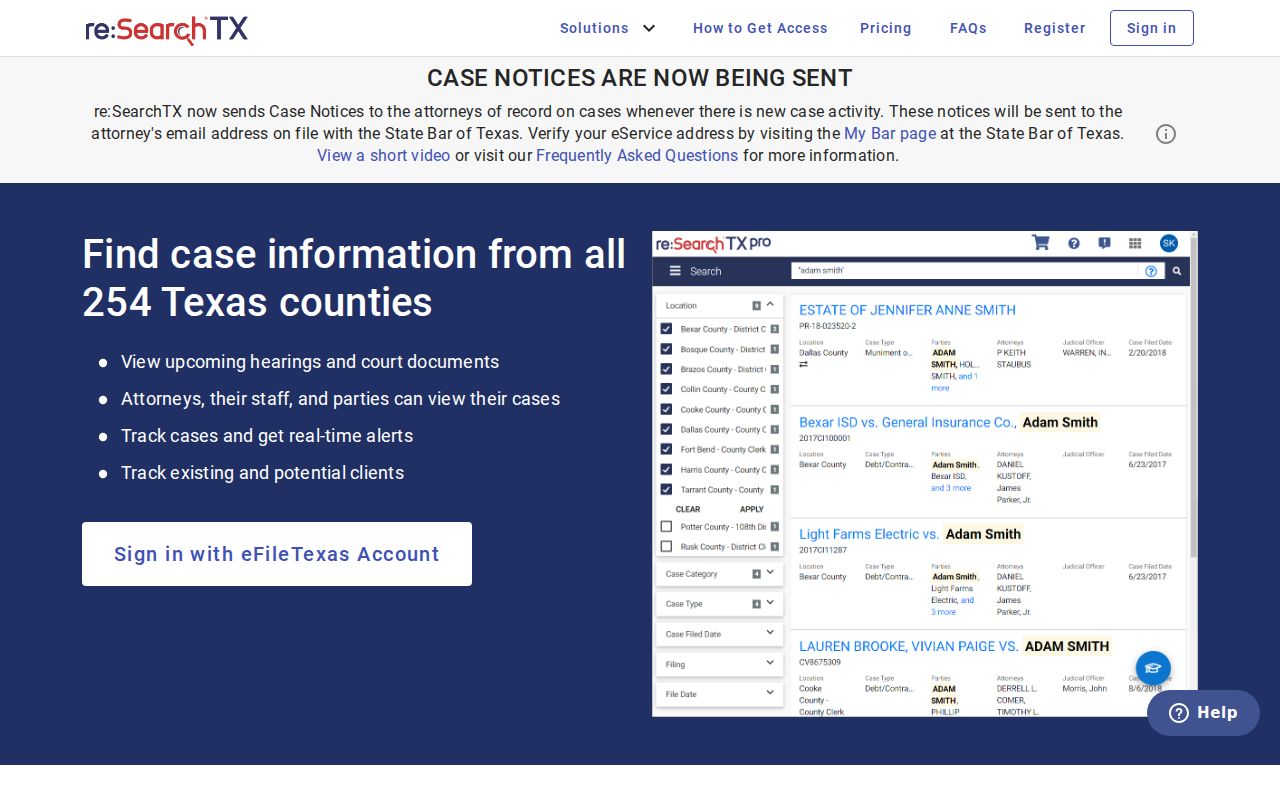
Public and confidential access are not the same thing. A party or counsel may reach material an ordinary account cannot, and images may require purchase or permission. Bosque posts no re:SearchTX price list of its own, so read the live terms before ordering.
What a Case Search Returns
A result can take several shapes: a calendar event, a dated docket PDF, an index row, or a full electronic case view. Each answers a different question. A calendar can confirm a session yet omit cause numbers. A Criminal Docket PDF may list session rows. An electronic record can add filings and images subject to login, cost, redaction, and access rules.
| Cause number | The exact identifier used for follow-up. |
|---|---|
| Case style | The formal caption naming parties or the prosecution. |
| Court and type | Shows district, county, JP, or municipal jurisdiction. |
| Filed date and status | Opening date and reported current state. |
| Docket events | Filings, motions, orders, notices, settings, and disposition activity. |
| Documents | May be index-only, purchasable, redacted, or restricted. |
Work through events in date order. A setting is not an outcome. A document image may explain an entry, though official authentication still calls for a clerk-certified copy.
iDocket Is a Separate Service
Both clerk pages also link iDocket Judicial Case Search, a vendor-hosted product. Its landing page demands subscriber credentials. It lists subscription plans, password help, support, and covered counties. No free Bosque case grid appears before login. The vendor states it operates independently and does not guarantee accuracy, timeliness, or completeness. The iDocket sign-in page makes that subscription gate plain.
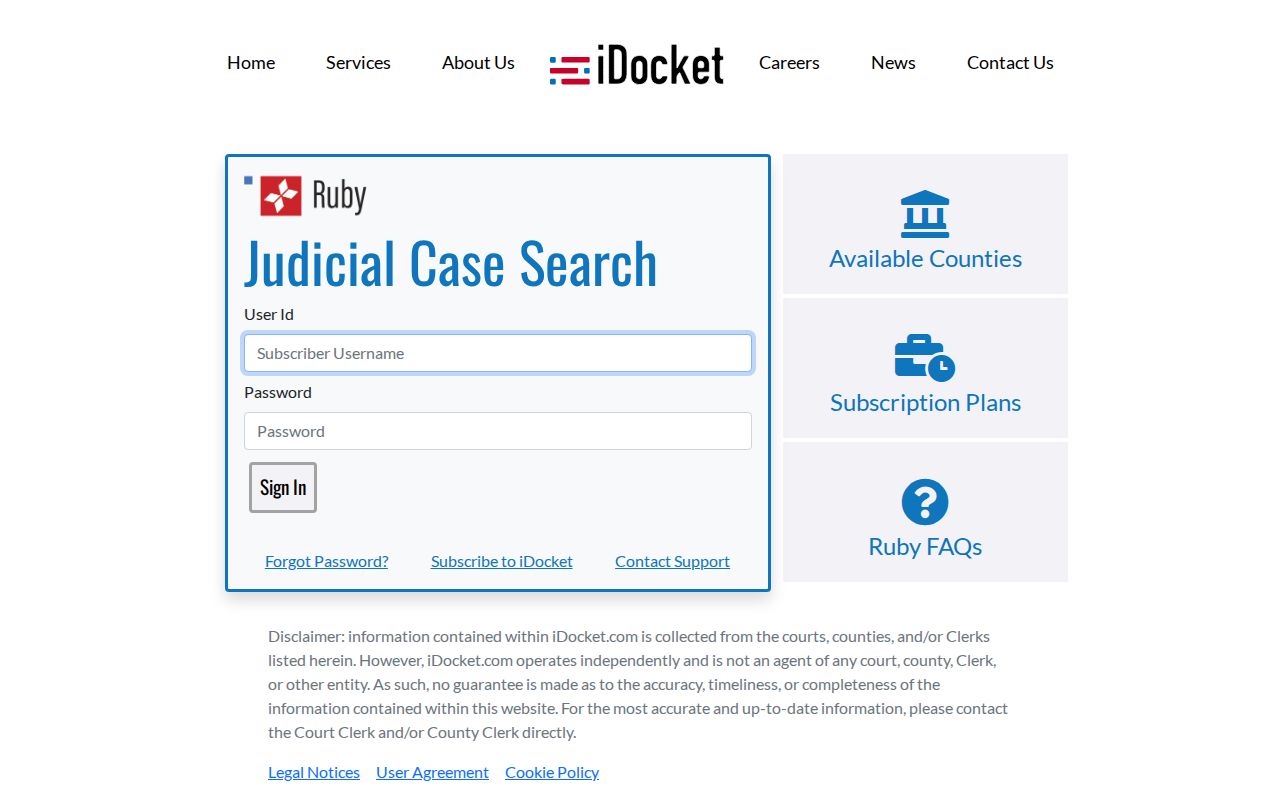
Use this route only when its county coverage and account terms fit your case. Otherwise stick with the free local directory, the calendar, the re:SearchTX entry, or a direct clerk request.
Statewide vs County Case Search
Treat local and statewide tools as layers. County channels work best for a known Bosque court, a dated docket session, a setting, and clerk follow-up. re:SearchTX can supply electronic filings across participating Texas courts to registered users, and iDocket is another login product. None of them gathers every JP or municipal citation into one Bosque result list.
| re:SearchTX | Bosque County channels |
|---|---|
| State electronic repository with account access. | Clerk pages, calendars, criminal PDFs, and direct requests. |
| Useful for participating electronic cases and filings. | Best for a known local court and custodian. |
| Detail depends on role, restriction, and image access. | Phone, mail, and counter routes cover missing web records. |
Chasing a hearing date? Check the District Clerk Calendar too. It offers list, week, and month views, plus date fields, keywords, a past-event control, and categories. Keep in mind that a calendar event may identify a docket session without listing the individual case.
Bosque Paperless Filing Trail
A District Clerk notice from May 2022 spells out how Bosque County went paperless. Civil and criminal e-filings land in the county case-management system. Those electronic files are the originals. Anything filed on paper gets scanned. Exhibits that cannot be scanned sit in a filing cabinet instead. So a docket can list a filing with no public image behind it.
The pipe that carries these filings is eFileTexas. It is not the public docket itself.
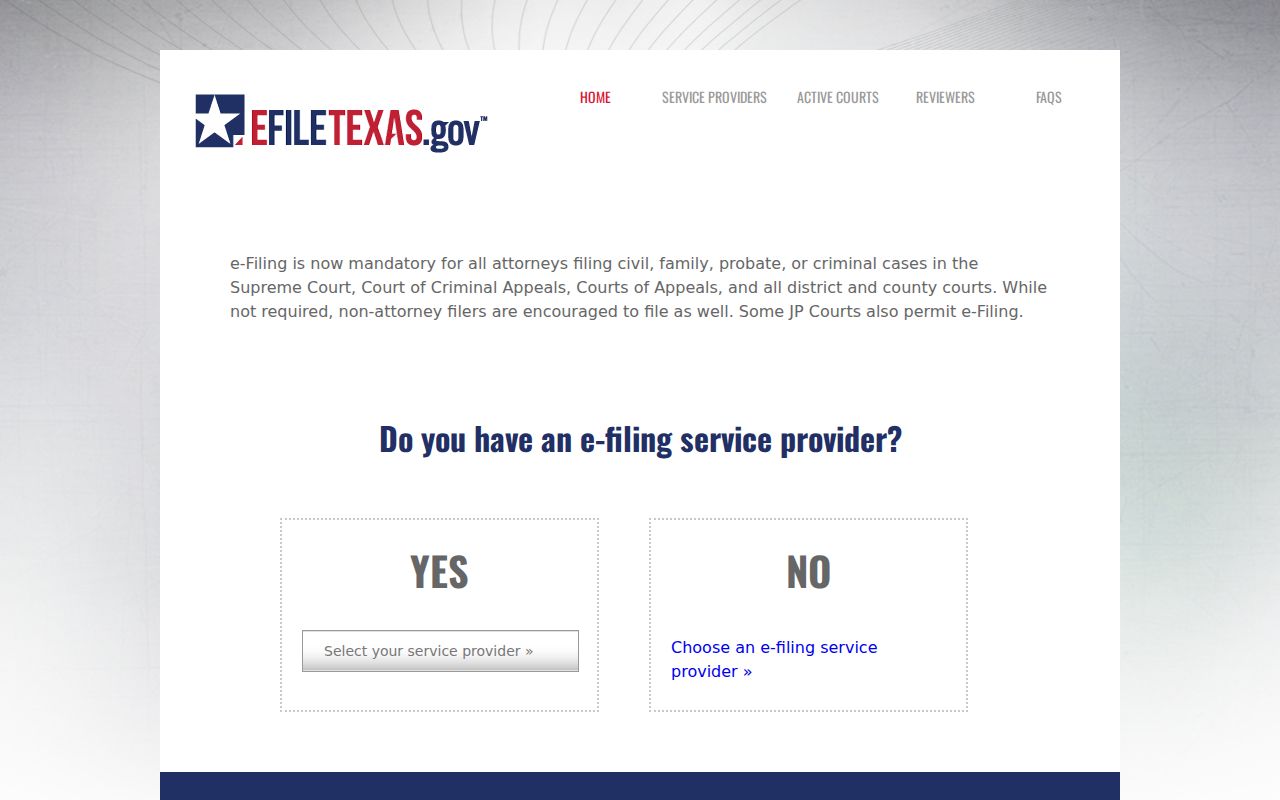
If an exhibit is missing, check whether the docket cites a physical item. An absent download does not mean the court lacks the record. Inspection rules may still bar access.
Access and Restricted Cases
When a Bosque County case search comes up empty, the law may be the reason. Texas Family Code Chapter 58 shields juvenile records. Adoption and DFPS files need special release forms the District Clerk links to. A sealing order, nondisclosure, expunction, or privacy redaction can strip out detail. It can also block an image entirely. Texas Rule of Civil Procedure 21c goes further. It requires sensitive personal data to be omitted or redacted.
A restricted result is not proof the case never existed. Check the court, the spelling, and any prior name. Check the year and the cause number too. Then ask the clerk whether a file exists and what access path fits. Older material may call for the District Clerk's $5-per-name search form. Or it may take a trip to the courthouse. The County Clerk says flatly that it has no general duty to run broad searches. It sends people to the office for offline records. An authorized requester can pursue a release form or a court order. Public staff will not disclose protected contents just because someone supplies a name.
Three different outcomes: “No result” can mean wrong court, an older paper record, or restricted access. “Redacted” means protected details were removed. “Sealed” means a court order limits public inspection.
Older Bosque Case Searches
When a case predates the visible web range, stop searching online. Go to the clerk instead. The District Clerk posts a Request for Search Records form. The charge is $5 per searched name. The form asks for the requester, a contact number, and up to three names. It also asks for copy or certified-copy choices. Comments fit as well. The County Clerk directs people to its office for records not posted online. It notes it has no general duty to perform broad research. A focused request saves time. It also cuts the risk of searching the wrong repository. In-person inspection, phone guidance, mail, and a written request to the proper department all remain valid ways in.